Welcome: Serverpcdirect







ben@serverpcdirect.com +86 13669863385
Key Features:
1.High Safety & Reliability
2.Intelligent Control
3.Extended Service Life
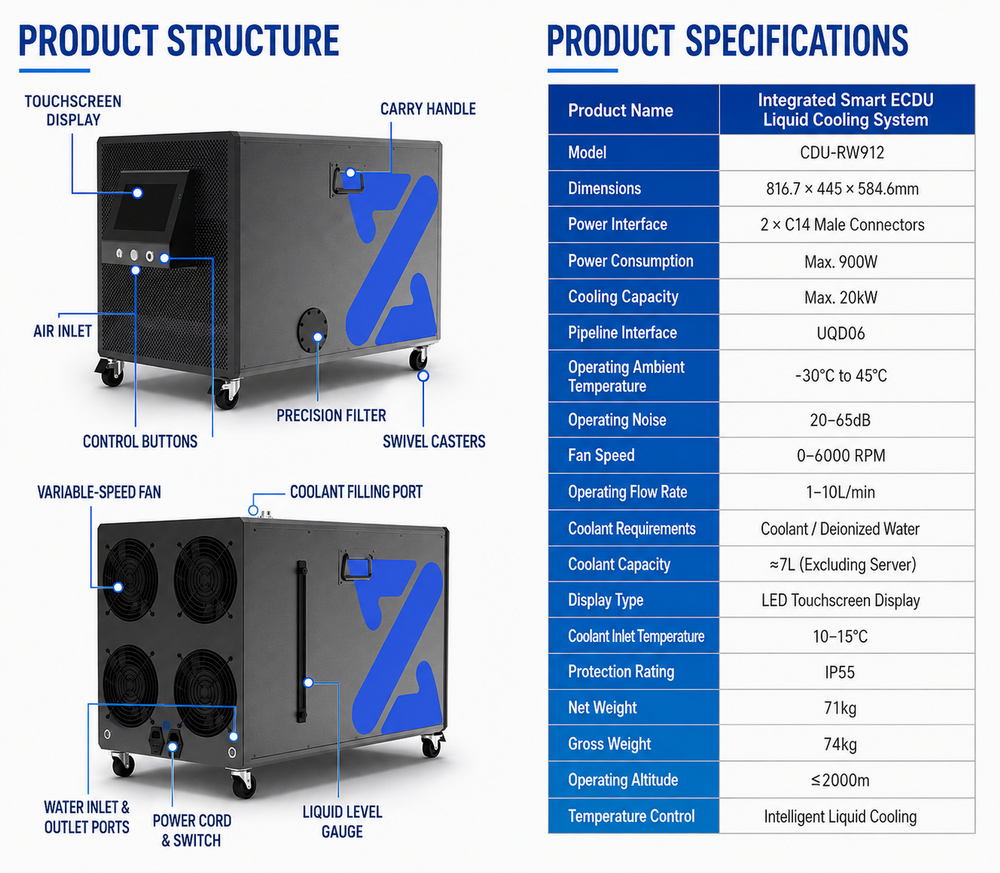
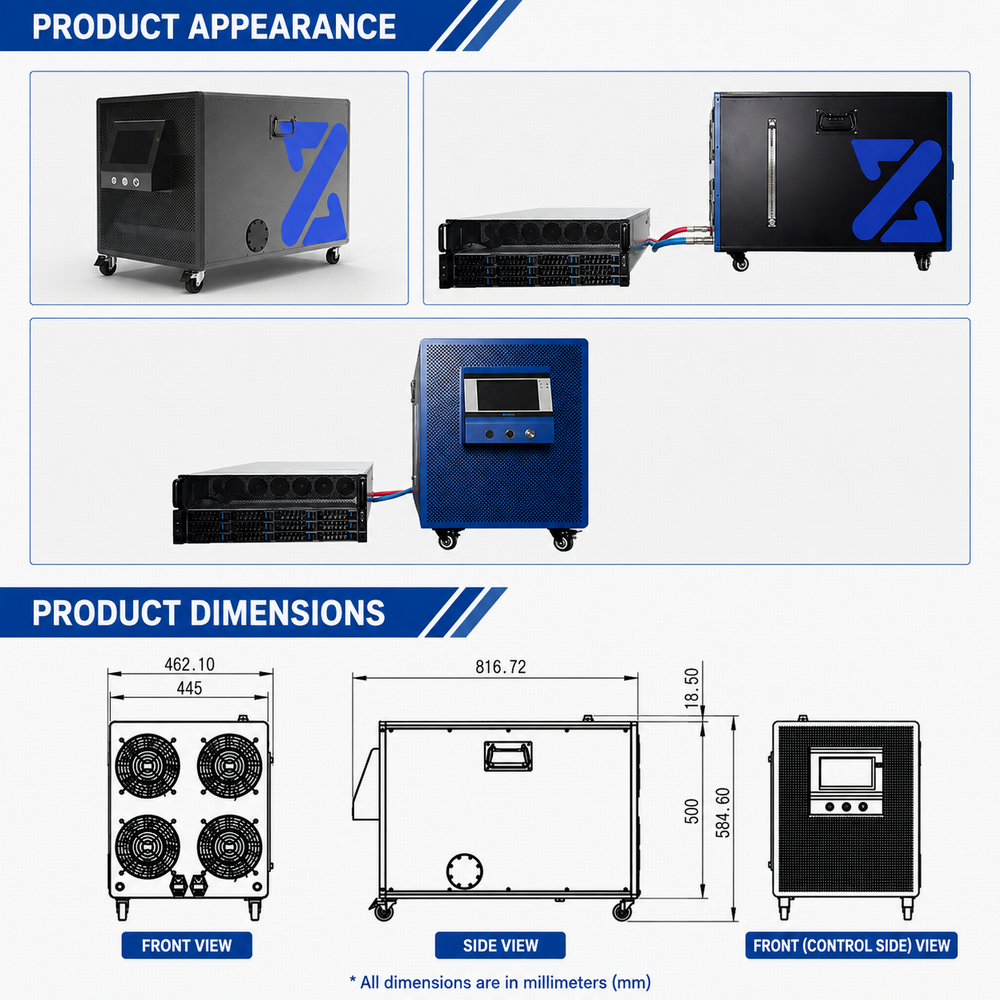
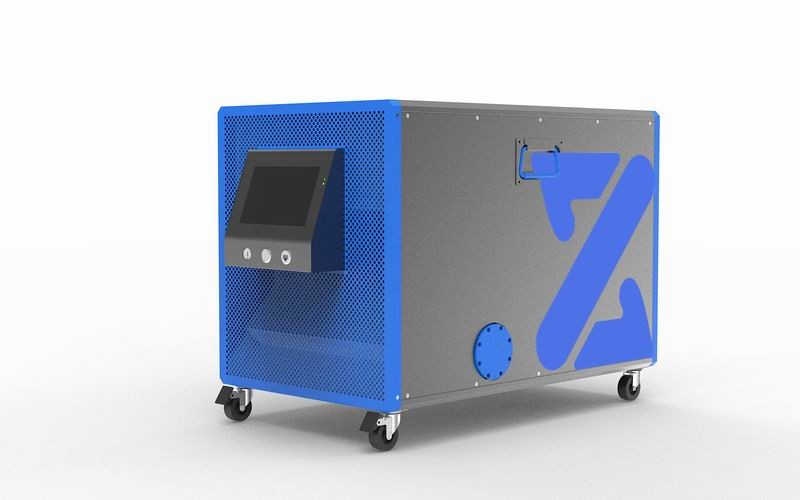
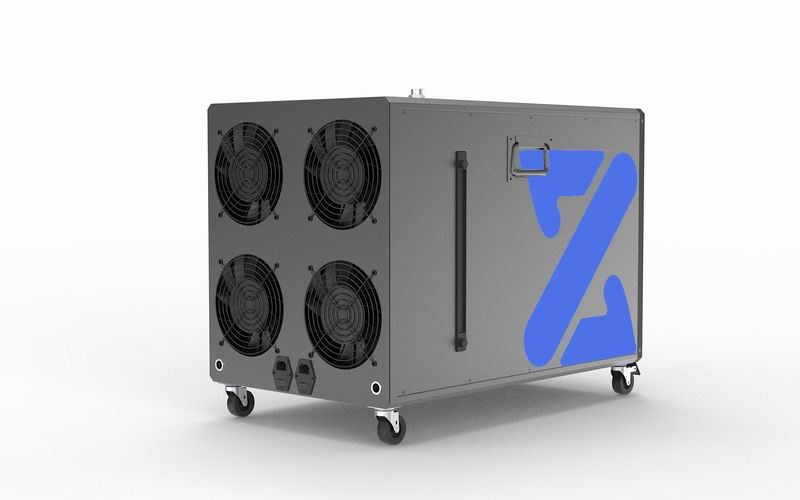
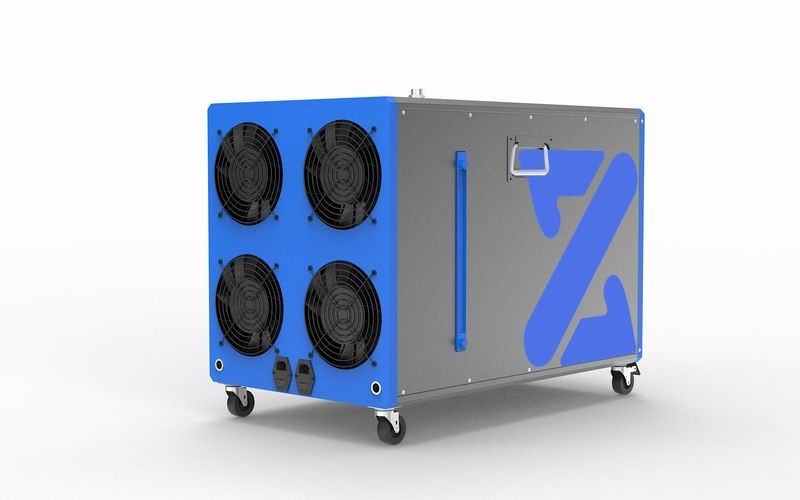
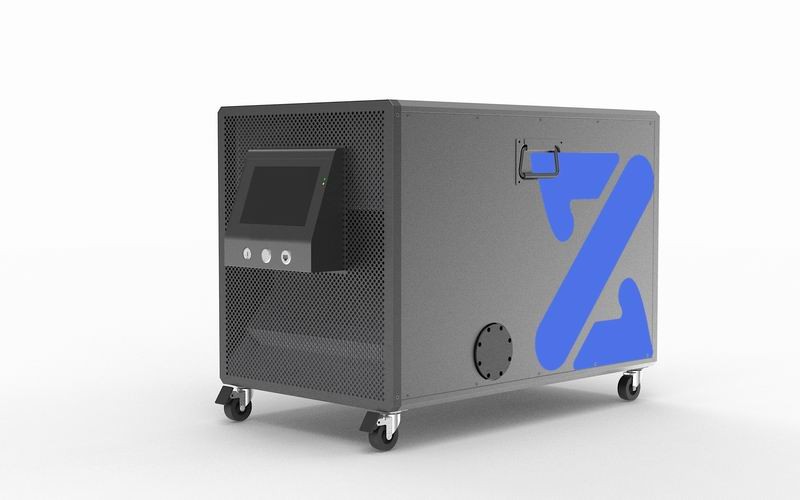
The Intelligent All-in-One Liquid Cooling CDU is independently developed and engineered by SERVERPCDIRECT.
Featuring an integrated design that combines the coolant pump, monitoring system, intelligent control unit, and heat dissipation module, the CDU supports multiple automatic and manual control modes for flexible operation.
Designed for easy installation and high-efficiency thermal management, it is compatible with a wide range of high-power, high-heat liquid-cooled servers, including GPU and CPU servers.
By providing precise and efficient thermal management, the system helps reduce operating noise and energy consumption, improve system stability, extend equipment service life, and ensure high-performance computing components operate at their full potential.
Reinforced Seamless Stainless Steel Piping
Uses thick-wall seamless stainless steel piping for enhanced durability, pressure resistance, and long-term reliability.
IP55 Protection
IP55-rated protection helps safeguard the electrical system against dust and water ingress, enhancing operational safety.
Intelligent Leak Detection & Alarm System
Integrated monitoring continuously detects potential electrical leakage and coolant leakage, with automatic alarms triggered when abnormal conditions are detected.
Proprietary Intelligent Control System
The intelligent control system is independently developed by SERVERPCDIRECT, enabling precise and efficient management of the liquid cooling system.
Smart Multi-Parameter Management
The system intelligently monitors and adjusts multiple operating parameters, including coolant flow rate, heat load, temperature, and other key performance data.
LED Touchscreen Control Panel
The integrated LED touchscreen provides intuitive real-time monitoring, parameter display, and system adjustment for convenient operation.
High-Quality Components
Key components are sourced from reputable domestic and international suppliers to ensure reliable quality and consistent performance.
Extensive Environmental Testing
The system has undergone thousands of simulated tests under different operating and environmental conditions to verify its reliability and durability.
Advanced Thermal Management
Precise temperature control helps maintain optimal operating conditions for servers and critical components, reducing thermal stress and contributing to a longer service life.
Connect the CDU to the server's coolant supply and return lines. Check all fittings and make sure every connection is securely fastened before starting the filling process.
Open the coolant filling port located on the top of the CDU and fill the reservoir with the required coolant.
Turn on the power. Before powering on, make sure the input voltage is AC 220V.
The coolant pump will start circulating the coolant. Once the reservoir has been emptied by the pump, turn off the power and add more coolant.
Repeat this process until approximately 6 liters of coolant have been added and the liquid level remains stable at the HIGH position without dropping.
Important: Carefully check the entire cooling system for any signs of coolant leakage throughout the filling process. If any leakage is detected, immediately stop the system and inspect all fittings and connections. Do not continue operation until the leakage has been completely resolved.
During the initial filling and startup process, a large number of air bubbles may appear inside the reservoir. This is normal.
After approximately 30 minutes of operation, the trapped air should gradually be purged from the cooling circuit and the coolant circulation should become stable.
Do not place flammable, explosive, or combustible materials, chemicals, or flammable vapors near the equipment.
Do not attempt to disassemble, repair, or modify the product yourself.
For maintenance, repair, customization, or other technical requirements, please contact our technical support team.
Improper operation may result in equipment damage, coolant leakage, electrical leakage, or other safety hazards.
If any abnormal condition occurs during operation, immediately disconnect all input and output power supplies and stop operating the equipment.
The safety precautions listed above are not exhaustive. If you encounter any situation not covered in these instructions, please contact us for professional technical assistance.
Contact: Ben Zeng
Phone: +86 13669863385
E-mail: ben@serverpcdirect.com
Add: Shenghe Business Building, Qingxi Town, Dongguan City
LiveChatclose
 Send Email
 WhatsApp